How to set up a plug and play DJ setup for weddings and events
Step-by-step plug and play DJ setup for GTA weddings and events, with gear checklist, laptop-free options, a 10-minute soundcheck, venue checks, and quick.
How to set up a plug and play DJ setup for weddings and events
This guide gives an event-ready, step-by-step plan for a plug and play DJ setup that works for weddings, receptions, and milestone parties across the Greater Toronto Area. You will find a compact gear checklist, an arrival-to-play connection sequence, laptop-free options, a ten-minute soundcheck, venue and safety checks, and quick troubleshooting steps. If you prefer a coordinated full-production option instead of a compact rig, learn when a full-service vendor can simplify the day and where to request an instant quote from B-Town Entertainment.
What a plug and play DJ setup is and when to use it
Definition
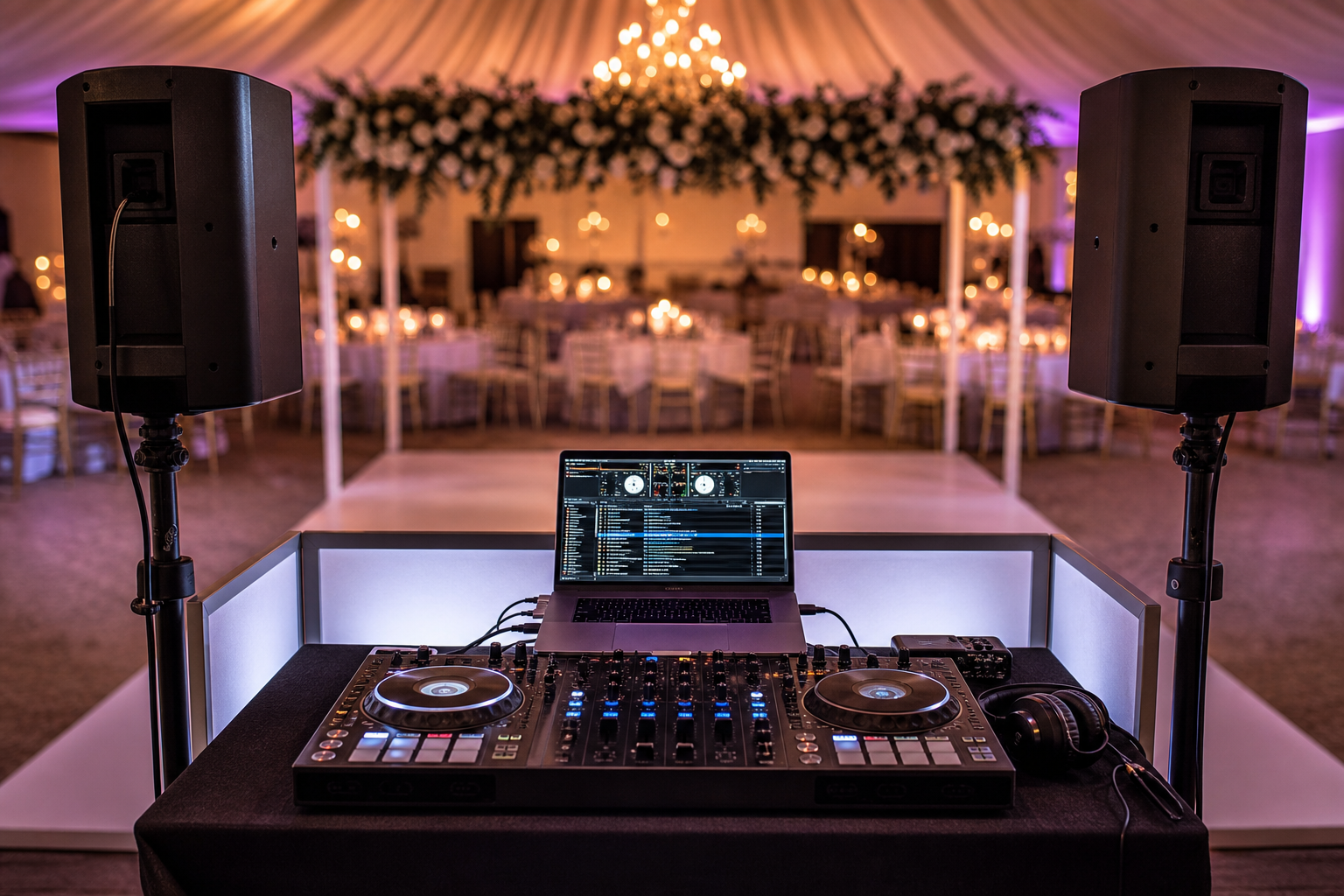
A plug and play DJ setup keeps the kit minimal and portable. In practice it usually means a DJ controller and a laptop or a standalone controller plugged directly into powered speakers or the venue mixer, with a small footprint and fast rigging time. Mobile-DJ sources describe plugging into house systems or active speakers for quick turnarounds, which is how most plug-and-play gigs operate in the field (DJ Gym).
Typical kit footprint
- Single controller on a 2-foot by 4-foot table or a compact flight case,
- Two powered speakers on stands, positioned left and right of the dance floor,
- Minimal cable runs to power and to the house audio feed,
- One wireless mic or handheld mic for announcements if needed.
When plug and play is the right choice
Choose plug and play for smaller ballroom receptions, civil ceremonies, backyard parties, engagement events, and situations where quick load-in time matters. If you need dramatic room reveals, multiple staging areas, complex entrance cues, live dhol integration, or pyrotechnic effects, consider a full-production option that bundles sound, lighting, décor, MC, and effects under a single team such as B-Town Entertainment (B-Town Entertainment).
Event-ready gear checklist for a plug and play DJ setup
Core items
- DJ controller or standalone player, matched to your software or USB library,
- Laptop with your DJ software and a tested music library, or a standalone controller that can play from USB or onboard storage, which removes the laptop from the rig (Digital DJ Pool),
- Two powered speakers on stands, chosen for portability and coverage, because powered speakers contain built-in amplification and simplify mobile rigs (DJ Tech Reviews),
- Quality XLR or TRS speaker cables, RCA or 1/4 inch patch cables for controller to mixer connections,
- Headphones for cueing and monitoring,
- Power strips and surge protection, plus extension cords long enough to reach venue outlets.
Useful add-ons
- Wireless microphone for emceeing and family announcements,
- Backup USB with a curated playlist for emergencies,
- DI box if you must feed a house system with unbalanced signals,
- Gaffer tape and cable covers for clean cable routing,
- Small tabletop lighting if the venue has no uplighting and you want a simple visual presence.
Quality versus budget decisions
Prioritise reliable speakers and clean cabling over flashy extras. A robust powered speaker and a clear signal path reduce the risk of dropouts and distortion during key moments such as entrances and first dances. See speaker buying notes for mobile use and portability (DJ Tech Reviews).
Step-by-step setup and connection sequence for gig day
Arrival and load-in
- Confirm parking and load-in access with your contact, then arrive early enough to set up before guests. A 60 to 90 minute arrival window is typical for weddings where you also run a soundcheck,
- Pick a table position that faces the dance floor, avoids blocking sightlines, and keeps speakers at least 6 feet away from walls when possible,
- Place speaker stands securely and level them before mounting speakers.
Powering and cable routing
Locate venue power outlets and run dedicated extension cables to each speaker and the controller. Use a grounded power strip with surge protection. Route cables along safe paths and cover them where guests will walk, using gaffer tape or cable ramps to prevent trips and maintain a clean look.
Connecting the controller to speakers or house mixer
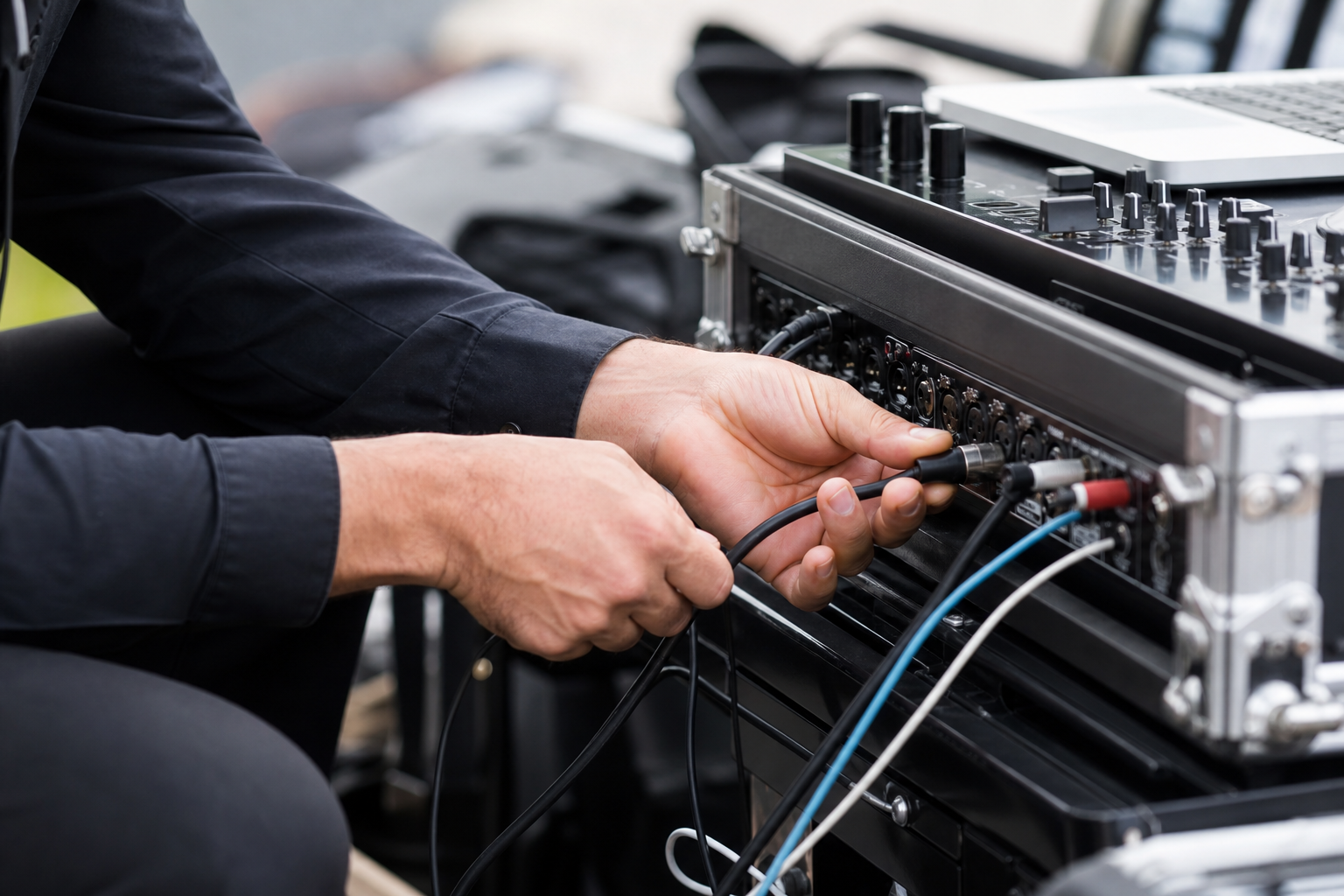
Turn all devices off before making connections. If you use powered speakers, connect the controller output to the speaker inputs with balanced XLR or TRS cables when available. If you must plug into the venue mixer, connect the controller output to the house stereo input with the correct cable type for the house box. If your controller requires a driver for optimal stability, install it ahead of time to avoid audio dropouts (Violet Recording).
Microphones and monitors
Plug in the wireless mic receiver or a wired mic into the available mic input. Test mic levels at speaking volume and increase only as needed to avoid feedback. If the venue needs floor monitoring for speeches or dhol, discuss placement with the AV contact before the soundcheck.
Stop point before powering speakers
Pause after all physical connections are made. Confirm cable routing, secure stands, and remove tripping hazards. Only then power on speakers and the controller in sequence to avoid pops and thumps.
Laptop-free options and when to use them
Standalone controllers and USB players
Standalone controllers and players let a DJ perform without a laptop. Some models support USB libraries, onboard screens, or WiFi to fetch tracks, which suits minimal-stowage events and reduces computer-related failures. Standalone workflows are an excellent choice when the client prefers a clean stage or the event timeline demands a fast setup (Digital DJ Pool).
Pros and cons
- Pros: faster setup, fewer failure points, smaller visual footprint, often lower power draw,
- Cons: less screen real estate for playlist browsing, limited on-the-fly editing, more reliance on careful library organisation before the gig.
Backup plans for laptop-free gigs
Bring a small laptop or smartphone with a backup playlist and adapters as a fallback. Keep a duplicate USB with a performance playlist that loads quickly, and test USB playback thoroughly during rehearsal.
Compact soundcheck and levels checklist for weddings and receptions
Ten-minute quick soundcheck
- Mic test: speak at expected announcement volume and confirm clarity on both main speakers,
- Music level: play a well-mixed ceremony or dance track and set the controller master so peaks are comfortable and not clipping,
- Low-end check: play a track with bass and verify the system handles lows without rumble or pumping,
- MC cue test: run a simulated entrance announcement to check timing and monitor audibility,
- First-dance cue: test the fade and level you will use for the first dance or entrance moment.
Gain staging and clipping checks
Keep gain controls on the controller at unity and use the speaker trim to balance output. Watch your master meters for clipping and reduce input gain if you see red. If the venue provides a house mixer, align your output so the house channel sits in the middle of the mixer range rather than at full tilt.
Venue and safety checks to run before you book or rig
Questions to ask the venue
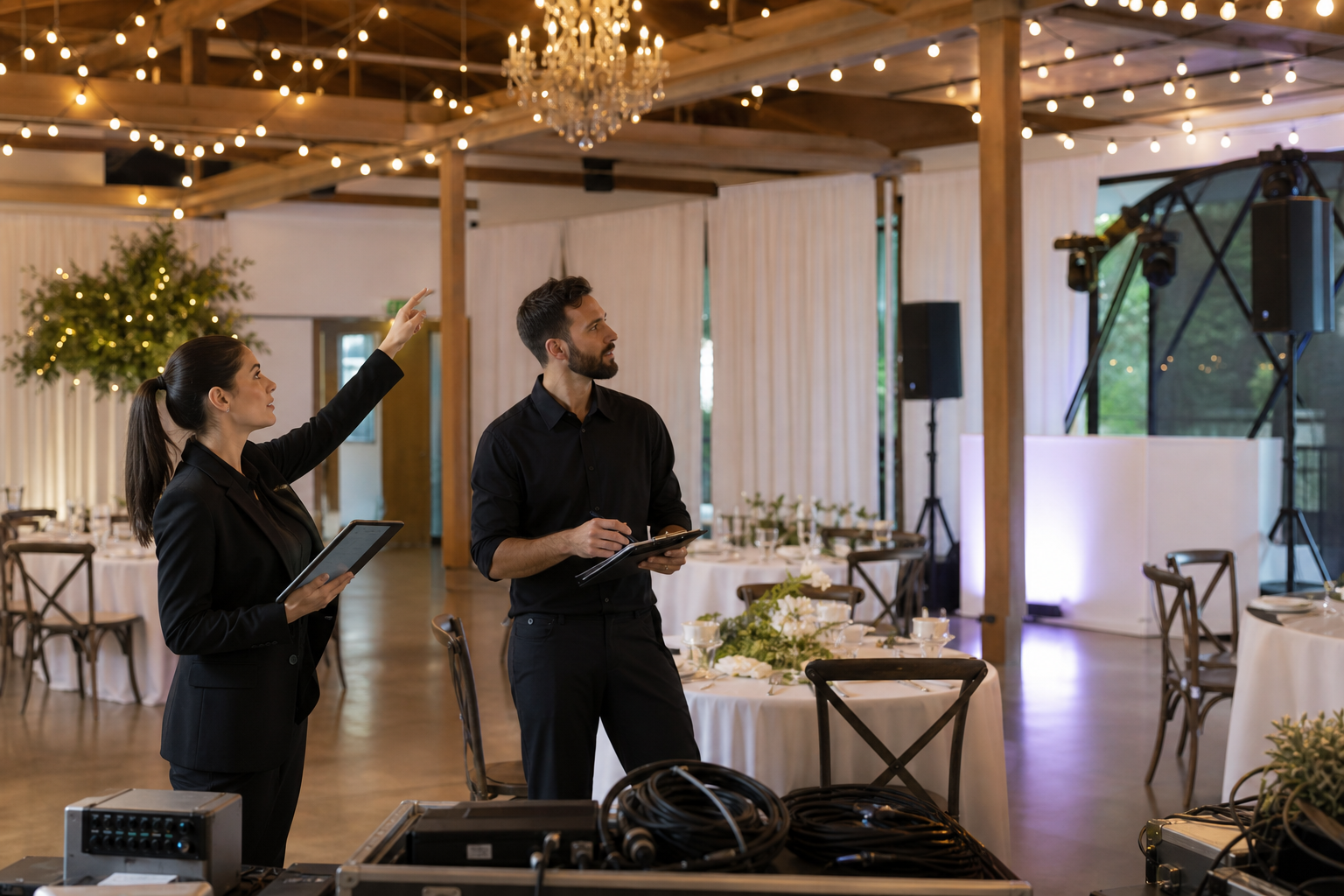
- How many dedicated power outlets are available at the stage and where are they located,
- Is there a house mixer and will we be permitted to plug directly into it,
- What is the longest allowed cable run across public areas, and where are safe cable routes,
- Are cold sparklers, dry ice, smoke, or fog permitted and what procedures or proof of insurance do you require,
- What are the noise cutoff times and local event restrictions for the space.
Do not assume permission for special effects such as cold sparklers or dry ice. Verify the venue policy and comply with any requirements they give. For complex effects or multiple performance areas, escalate to a full-service provider who will manage permits and timing for you (B-Town Entertainment).
Common problems, quick fixes, and when to call for backup
No sound on the mains
- Check that speakers are powered and the correct input is selected,
- Confirm the output cable is in the controller master output, and try a known-good spare cable,
- If the house mixer is used, confirm the channel is not muted and that the fader is raised.
Laptop audio dropouts and ground hum
Install and test drivers before the gig to reduce dropouts due to USB instability (Violet Recording). If you hear ground hum, try using a different outlet, add a DI box with ground lift, or re-route balanced connections with XLR cables.
Backup music and redundancy
Always bring a second music source, either a backup laptop, a phone with a playlist, or a USB stick with a performance playlist. Redundancy removes last-minute stress and keeps the timeline on track.
When to choose a full-service provider like B-Town Entertainment
Event complexity checklist
If your event includes multiple cultural moments, a large guest count, multi-room coverage, entrance pyrotechnics, live dhol integration, cinematic photo and video priorities, or coordinated décor and lighting, a full-service team reduces coordination risk by handling sound, lighting, MC hosting, décor, photo and video, and special effects together. B-Town Entertainment offers package paths that range from Essential DJ to Full-Service Wedding for exactly these needs (B-Town Entertainment).
What a full-service team manages
- Vendor coordination and venue communication,
- Integrated timelines and entrance cues,
- Onsite stage and décor setup that photograph well,
- Special effects rigging and safety compliance,
- Backup equipment and dedicated technicians on the day.
Frequently asked questions
What is the minimum gear needed for a reliable plug and play DJ setup at a wedding?
Minimum reliable gear includes a DJ controller or standalone player, two powered speakers on stands with balanced cables, headphones, a microphone, and power protection. Bring a backup USB and essential adapters as redundancy.
Can I perform without a laptop and which controllers let me do that?
Yes. Many modern standalone controllers and USB-enabled players let you perform without a laptop by playing tracks from USB or onboard storage. These devices are useful when you want a smaller stage presence or to avoid computer-related risks (Digital DJ Pool).
What cables and adapters should I bring as backups for venue connections?
Bring XLR to XLR, TRS to TRS, RCA to RCA, RCA to 1/4 inch, and a couple of 1/4 inch to XLR adapters. Carry spare speaker cables and a laptop audio adapter for USB-C or Thunderbolt if your computer needs it.
How long should a soundcheck take at a busy banquet hall or facility?
Plan for a ten-minute quick soundcheck for plug and play rigs, and allow 30 to 60 minutes if you need to check multiple zones, speakers, or special effects. Confirm timing with the venue so load-in and rehearsal windows match your plan.
What questions should I ask a venue about special effects like cold sparklers or dry ice?
Ask whether cold sparklers or dry ice are permitted, what setup distances they require, whether the venue requires certificates of insurance, who provides effect operators, and whether there are time or location restrictions. Always follow the venue rules and escalate to the vendor for effect planning.
B-Town Entertainment coordinates plug and play DJ setups as part of broader wedding and event packages across the GTA. For fast availability, tailored quotes, or a conversation about integrating décor, live dhol, and special effects, request an instant quote or contact the team directly through the website.